Building a podcast site for TikTok traffic: Moms on the Porch
,4 min read
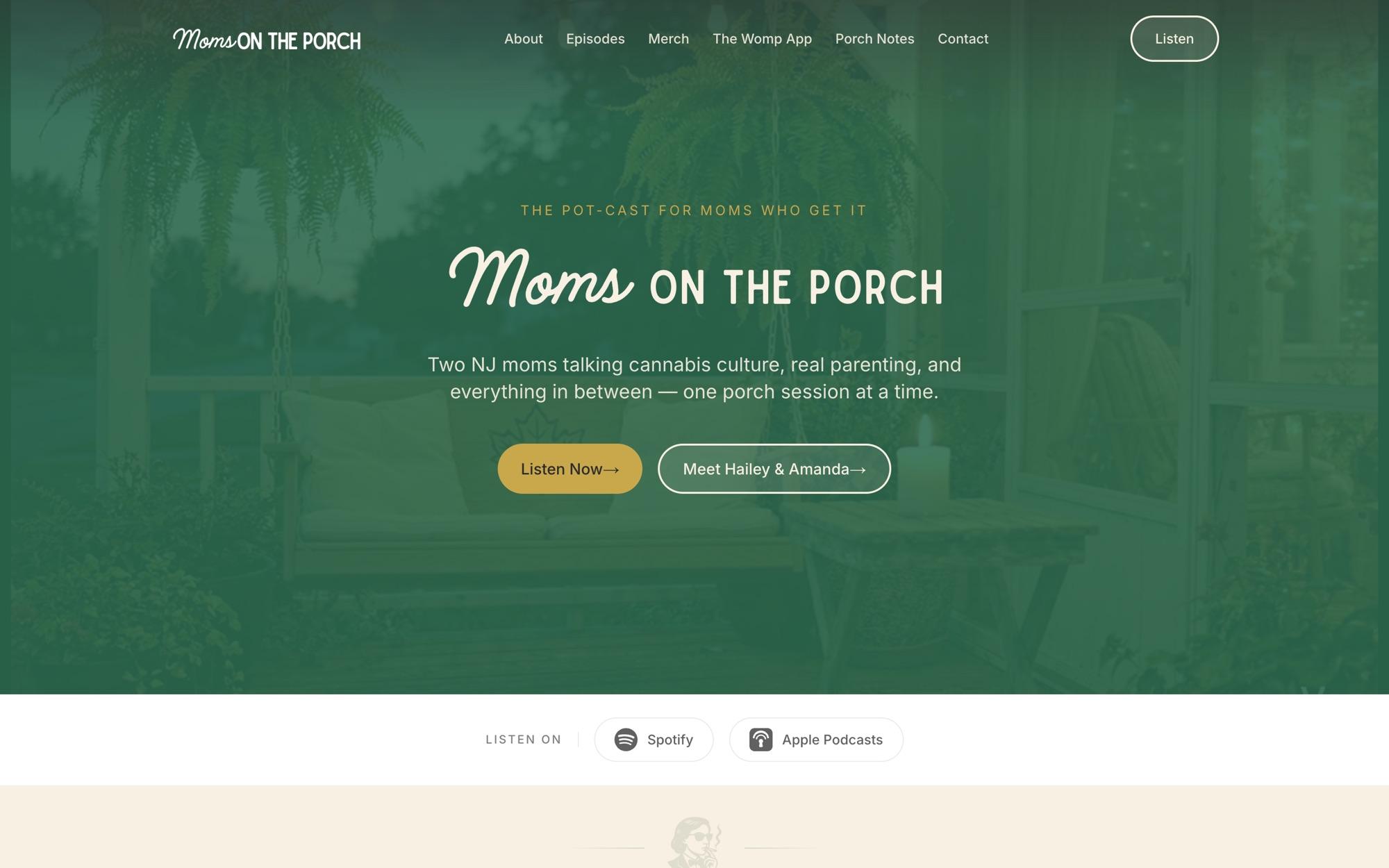
Moms on the Porch is a weekly comedy podcast from two New Jersey moms, Hailey and Amanda, about parenting, real mom life, and the culture around it. This one is close to home: Hailey is my wife, and Amanda is our neighbor.
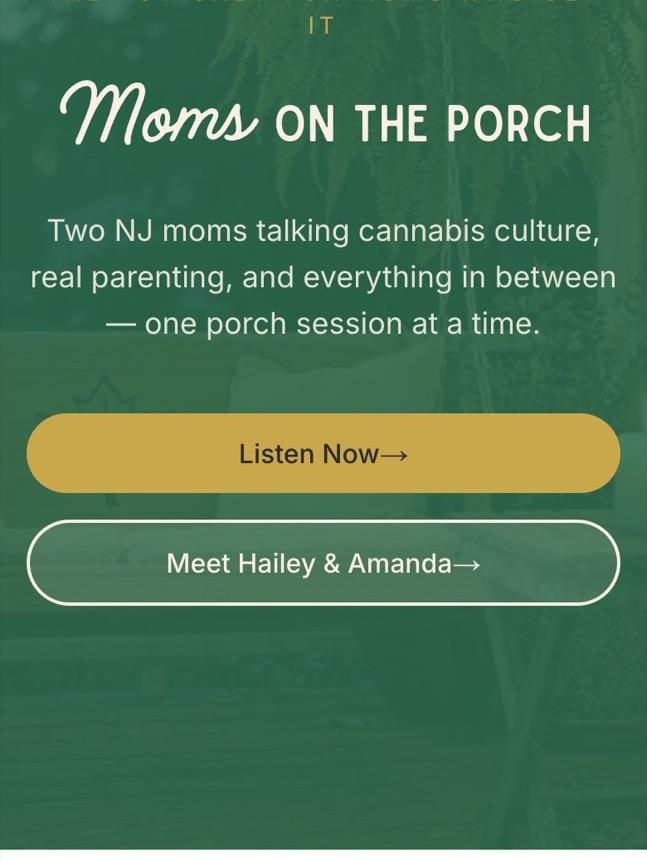
The show’s audience doesn’t arrive from a search results page. It arrives from TikTok and Instagram, on a phone, with one thumb, and decides in seconds whether to stay. That one fact shaped every decision in the build.
What the site does
- Episodes pulled straight from the podcast feed, with a branded player and subscribe links on every one.
- Porch Notes, a blog the hosts write in a familiar WordPress editor, served to the site headlessly.
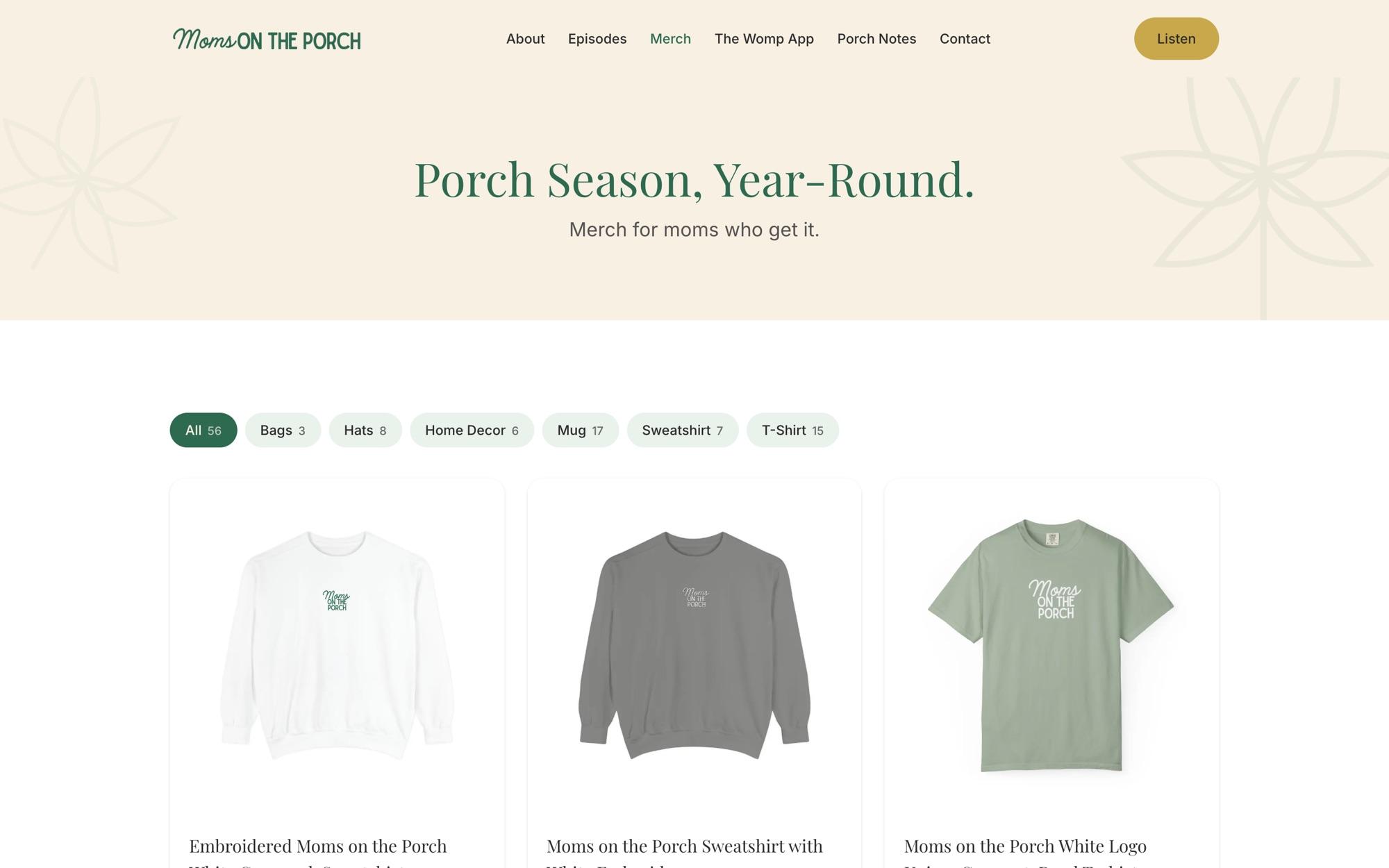
- Merch, a full shop with 56 products and category filters, powered by Shopify.
- A newsletter and a waitlist for the show’s next project, on Mailchimp.
- Contact forms that email through Resend.
That’s five outside systems behind one fast front end built with Next.js. Each one is the best tool for its job, and none of them is the website.
One session to build it, months to get it right
The first build commit produced the entire site in one AI-assisted session: every page, every integration, structured data for search, and realistic demo content so the hosts could react to something real instead of a wireframe.
Over the next 11 weeks the project grew to 100 commits, two thirds of them co-written with Claude. That ratio is the real story. AI got us to a working site on day one. Everything after was the work of making it good: testing, measuring, and fixing what the first version got wrong.
Three examples.
1. A 14.5-second load time on a phone
In a throttled mobile test, the main content of the home page took 14.5 seconds to appear. For traffic that decides in seconds, that is the same as not having a website.
The cause was ordinary: a 2 MB hero image. Converting it to a modern format took it to 99 KB, 95% smaller, and the host photos followed, one from 1.3 MB to 88 KB and another from 744 KB to 37 KB. Nothing about the design changed. The page just stopped making people wait.
2. Accessibility that holds up
A dedicated WCAG 2.1 AA pass added a skip link, visible focus states, proper dialog roles and a focus trap in the mobile menu, and made every touch target at least 44 pixels. Link contrast went from 3.9:1, below the standard, to 6.3:1.
3. Being found, and staying found
The QA pass caught a bug that would have quietly cost the site its search traffic: every page’s canonical tag pointed at the home page, telling search engines that the episodes and blog posts were duplicates. Fixed before it did damage.
Later, Search Console showed key pages stuck in “Discovered, currently not indexed.” The fixes were a mix of technical and editorial: removing a stray noindex from real posts, adding last-modified dates to the sitemap, rewriting thin posts into substantial ones of 900 to 1,150 words, and fixing a bug that dropped every post from the sitemap whenever the blog was briefly unreachable.
The site also has an llms.txt file for AI assistants, a share image generated for every page, and rate limiting on its forms.
Built to keep working
A small show can’t have a developer on call, so the site is built to fail gracefully. If a service is unreachable, the page still loads. If a setting is missing, forms log the problem instead of breaking for the visitor. Changes go to a staging site first, and production deploys run a health check before they finish.
What I took from this one
AI made the first version almost free. That changes where the effort goes, not how much of it you need. The difference between a site that exists and a site that works for its audience was in the measuring: the load time on a real phone, the canonical tags, the pages Google wouldn’t index.
The tools got us to day one. The standards got us the rest of the way.